01Cinematic characters and VFX
Production-grade 4K
Built for professional film production, rendering character texture, layered lighting and scene detail in high-resolution footage.

4K filmmaking
SOLUTIONS / Film and animation
Use storyboards and character references to explore a controlled workflow for production-grade 4K filmmaking.
01Cinematic characters and VFX
Built for professional film production, rendering character texture, layered lighting and scene detail in high-resolution footage.
02Animation and 3D
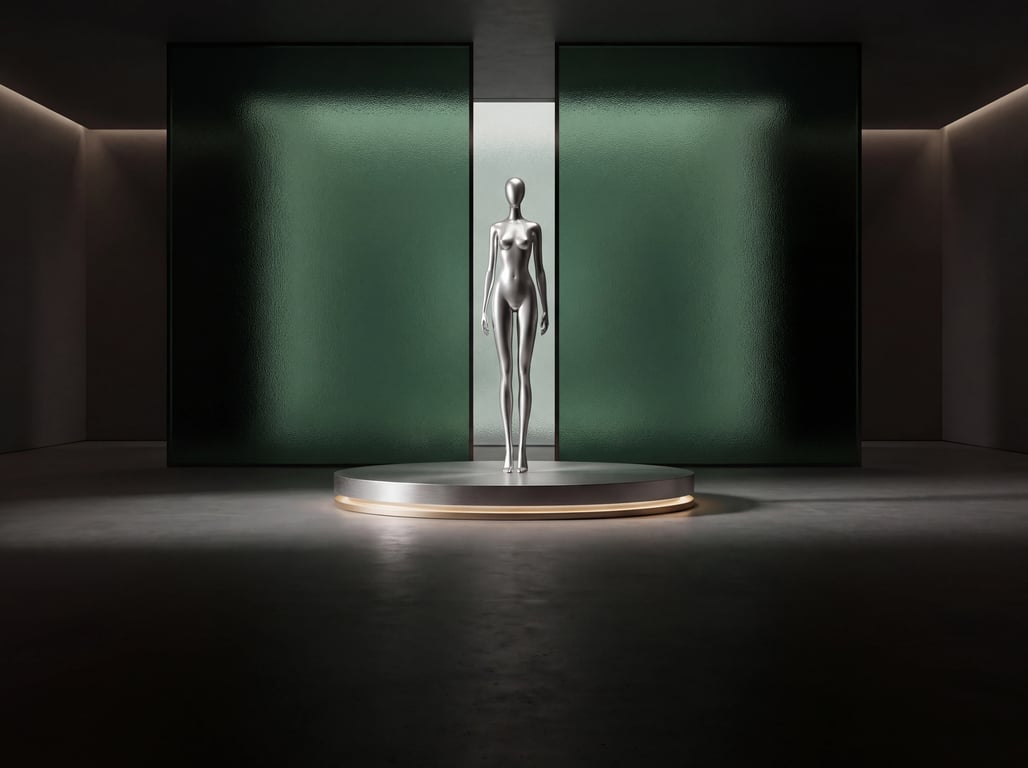
Misty silver metal and deep green glass define the characters’ texture. A mechanical bird, a golden key and greenhouse light unify the animation’s characters, props and sets.

03Previsualization
Explore wide shots, action, and close-ups before production. Review framing and continuity while the sequence is still easy to change.

First establish the world the character is in.
IN PRACTICE
The director provides the character’s appearance, the mood of the scene and the storyboard order. Entrance, dialogue and reaction shots are previsualized first; camera position, movement and lighting are then adjusted one by one to produce material ready to hand off for editing.
CONNECTED INTELLIGENCE
Connect your business context, model outputs, and application feedback.
Generate scenes and video
Generates animated previsualization and cinematic footage from character references, scene materials and shot requirements.
Unify character appearance, scene elements, lighting and cinematography style.
Plan action and camera movement according to the storyboard, checking characters, space and timing step by step.
Review continuity, visual detail, and audio synchronization against your delivery requirements.
FROM PILOT TO PRACTICE
Test representative tasks at a small scale. Record inputs, model versions, and results, then refine the solution based on what you learn.
Access and availability depend on the model and release.Compare character appearance, props, spatial orientation and scene lighting.
Check action beats, camera positions and framing against the storyboard.
Check resolution, image detail, sound and the specifications needed for downstream production.
Tell us about your users, tasks, and success criteria. We’ll help you explore the right models.