ExploreExplore
All use cases

SOLUTIONS / Product advertising

Product advertising

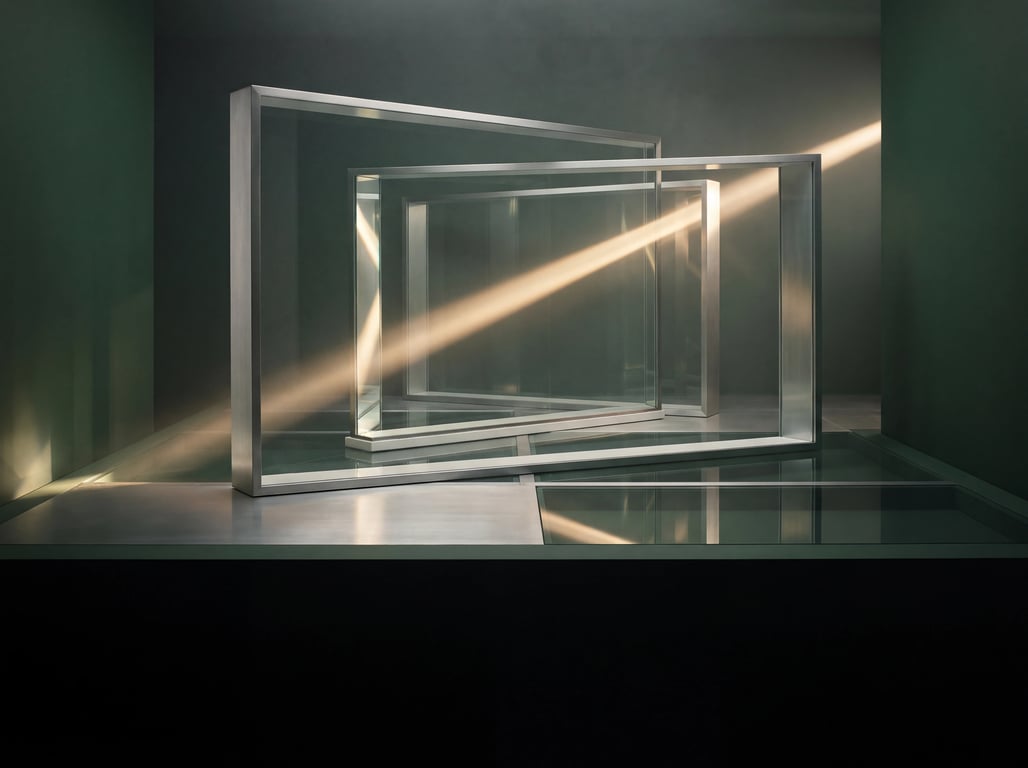
Explore ideas within your brand guidelines, then develop the selected concept into video and campaign assets.

Explore
Built forBrand marketing teamsAdvertising agenciesE-commerce creative teams

01Product visuals

Define the look.

Unify the primary color, surface texture and direction of light, then decide how the image varies. Every version still belongs to the same brand.

Input
Product references, brand guidelines, set requirements
Output
Product shots and candidate visual directions
View workflow
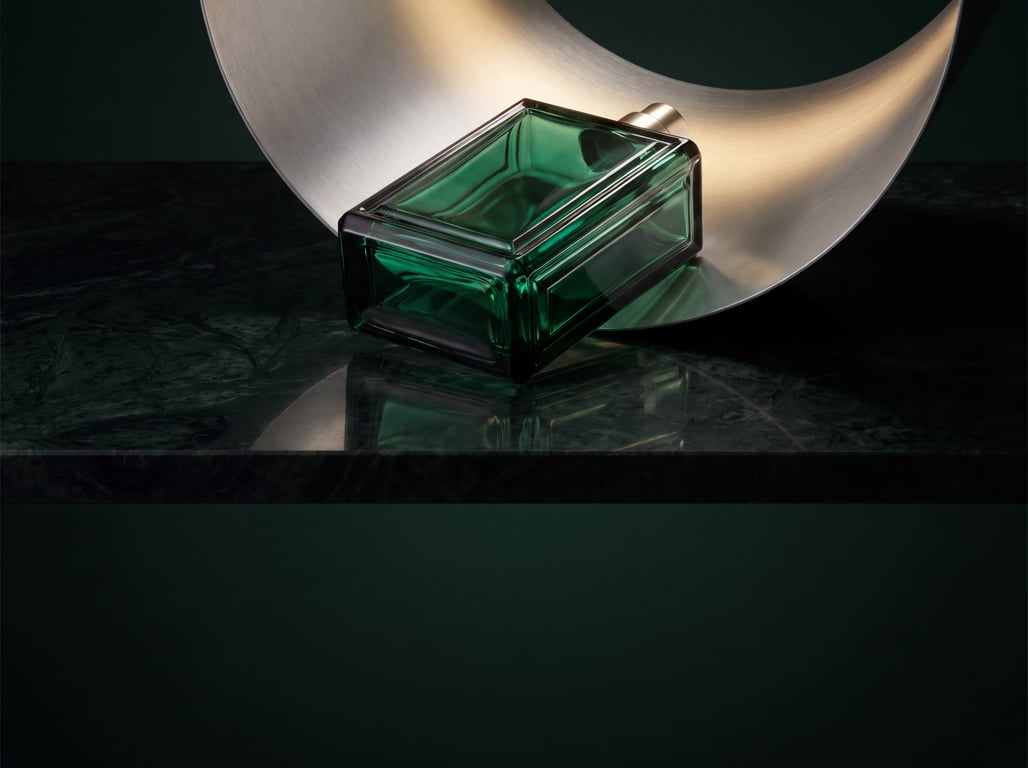
Deep green glass product in golden lightCREATIVE DIRECTION / 01
From brand to image

Build brand recognition with light.

Deep green glass anchors the visuals, with restrained surrounding colors.
02Narrative advertising

Put your product in focus.

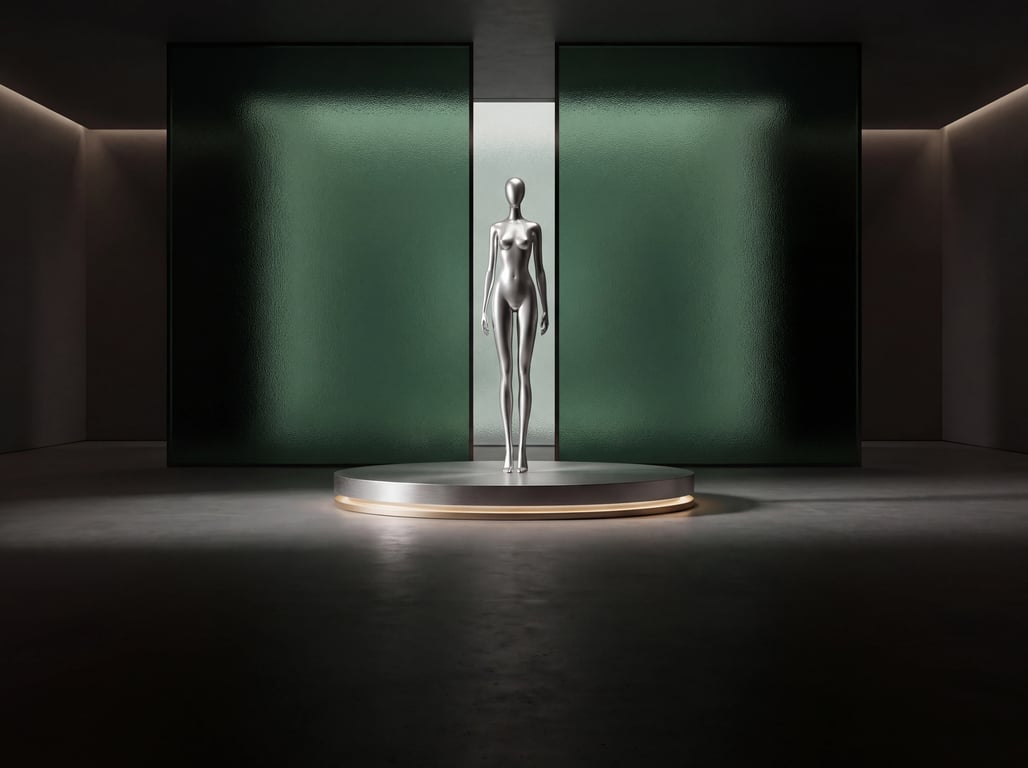
Let motion, environment and reflections serve the product’s form. Intentional camerawork builds a clear piece of advertising.

Input
Creative brief, storyboards, character and scene references
Output
Ad shot sequences and iterations
View workflow

03Multichannel assets

One idea. Every format.

Review landscape, square, and portrait compositions. Plan subject placement and text-safe areas for each channel.

Input
Key idea, channel specs, version requirements
Output
Assets and version records organized by channel
View workflow
Same image · Composition reviewASPECT RATIOS
16:9 composition reference
16:9
1:1 composition reference
1:1
9:16 composition reference
9:16

Keep the subject, and rearrange the negative space for each format.

IN PRACTICE

One fragrance, three creative directions

Keeping the bottle, proportions and packaging information consistent, the team explores natural light, studio and narrative settings. The brand team chooses a direction according to its visual guidelines, then adjusts camera movement and editing rhythm.

What to prepare

  • Reviewed product references and packaging materials
  • Brand visual guidelines and creative brief
  • Channel aspect ratios, shot list and production requirements

Deliverables and feedback

  • Comparable visual concepts and storyboard plans
  • Shot candidates built around the same product
  • Material and review records organized by channel

CONNECTED INTELLIGENCE

Models working together.

Connect your business context, model outputs, and application feedback.

Generate scenes and video

OmniX-1

Generates ad material around product references with different sets, material rendering and visual language.

Input
Text, images, storyboards and earlier frames
Output
Causal chunked video and cinematic footage
  1. Lock product and brand constraints

    Define the product’s shape, packaging information, brand colors and visual references.

  2. Develop creative directions

    Vary set, lighting, camera position and shot pacing to produce comparable candidates.

  3. Review and deliver

    Verify product details and messaging, then continue editing and production to channel requirements.

FROM PILOT TO PRACTICE

Test what works.

Test representative tasks at a small scale. Record inputs, model versions, and results, then refine the solution based on what you learn.

Access and availability depend on the model and release.

Product consistency

Check shape and proportions, materials, label placement and packaging information.

Brand fit

Check color, composition and messaging against the visual guidelines.

Iteration efficiency

Record the number of generations, revision rounds and share of usable material, then compare specific options.

Start a pilot

Tell us about your users, tasks, and success criteria. We’ll help you explore the right models.

Research and industry resources

OMNIX-1 · RESEARCH PREVIEW

Request access

Tell us about your team and your video generation project.

Research area